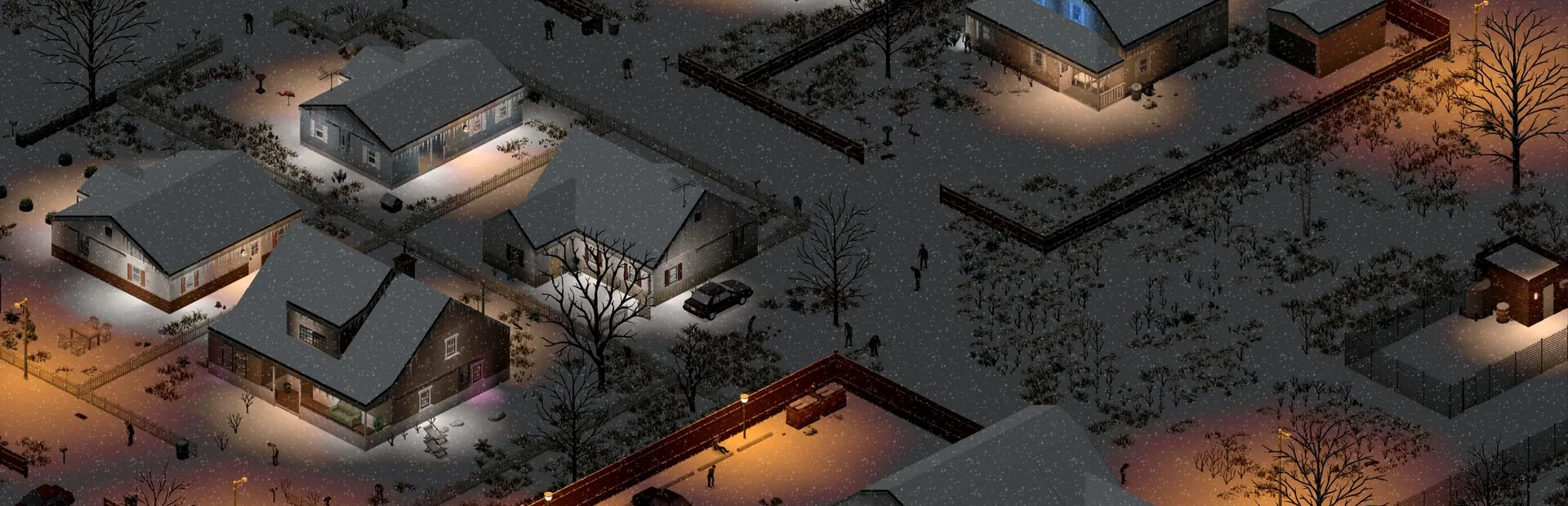
Add Workshop IDs in the panel and they install on the next restart. Run a heavily modded save without touching a command line.
Zombie population, loot rarity, XP multipliers, day length, water and power shutoff. Every sandbox value is yours to set.
Zomboid memory use climbs as your group explores more of Knox County. Plans are sized with that growth in mind, not just day one.
Whitelisting, admin commands and safehouse management straight from the live console.
Automatic daily backups of your save. Months of progress should not end because of one bad night.
Live console, file manager, SFTP and scheduled restarts, all in the same panel as the rest of your servers.
Everything you need to manage your server in one place.

This is the thing that surprises people. A fresh Project Zomboid server with four survivors in Muldraugh is light. The same server six months later, after the group has driven across half of Knox County, is not, because the game keeps every cell your players have loaded, along with every change they made to it.
Memory use tracks explored map far more closely than it tracks player count. Four people who have systematically looted Louisville will cost you more than sixteen people who never left one town. That is why Starter begins at 6 GB rather than the 2 GB you might expect, and why long-running community servers usually end up on Pro or Elite regardless of how many people are actually online.
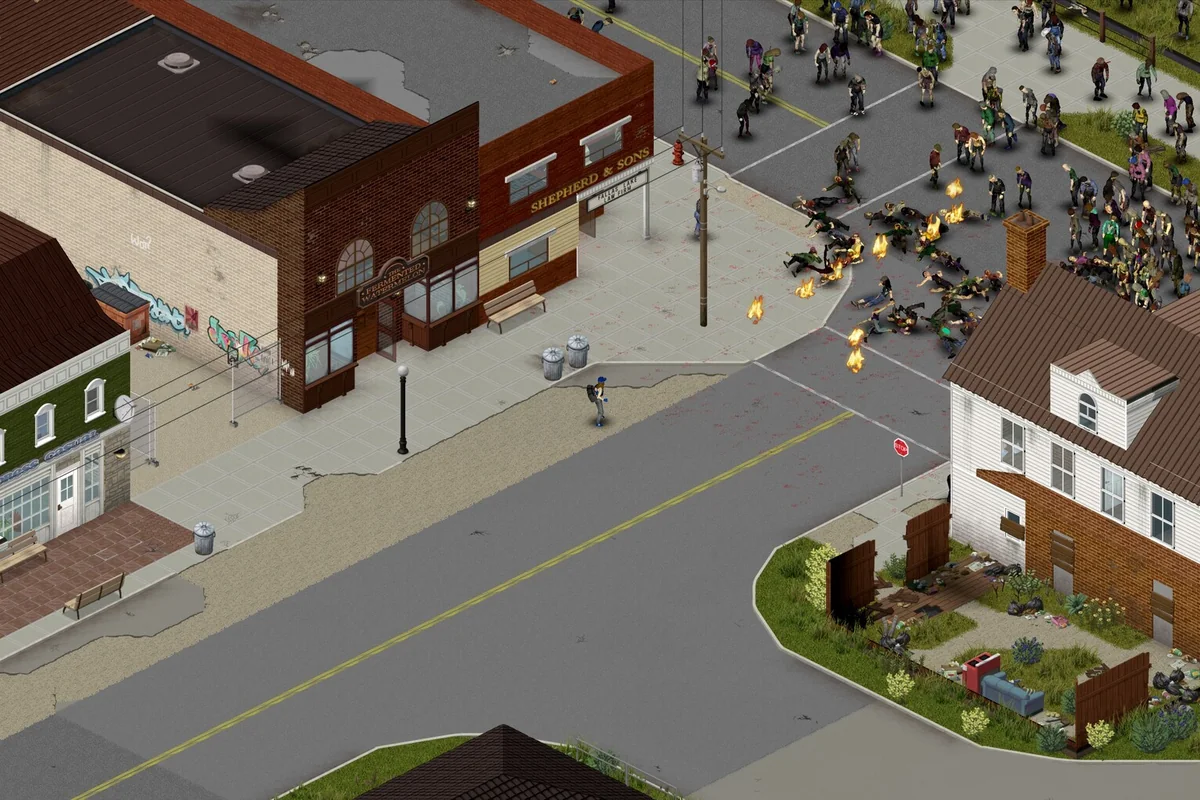
Zomboid's sandbox options are unusually deep, and a handful of them matter far more than the rest. Zombie population is the obvious one. Less obvious, and more important to a server's lifespan, are respawn and the loot rarity table.
With respawn off, a group will eventually clear their town and the map goes quiet, which is a fine way to run a building-focused server but ends the tension. With respawn high, cleared areas refill and nowhere ever feels safe. Most long-running servers settle somewhere in between, with a slow respawn and reduced loot, so scavenging stays worth doing a year in. Every one of these is editable from the panel, and you can change them mid-save.
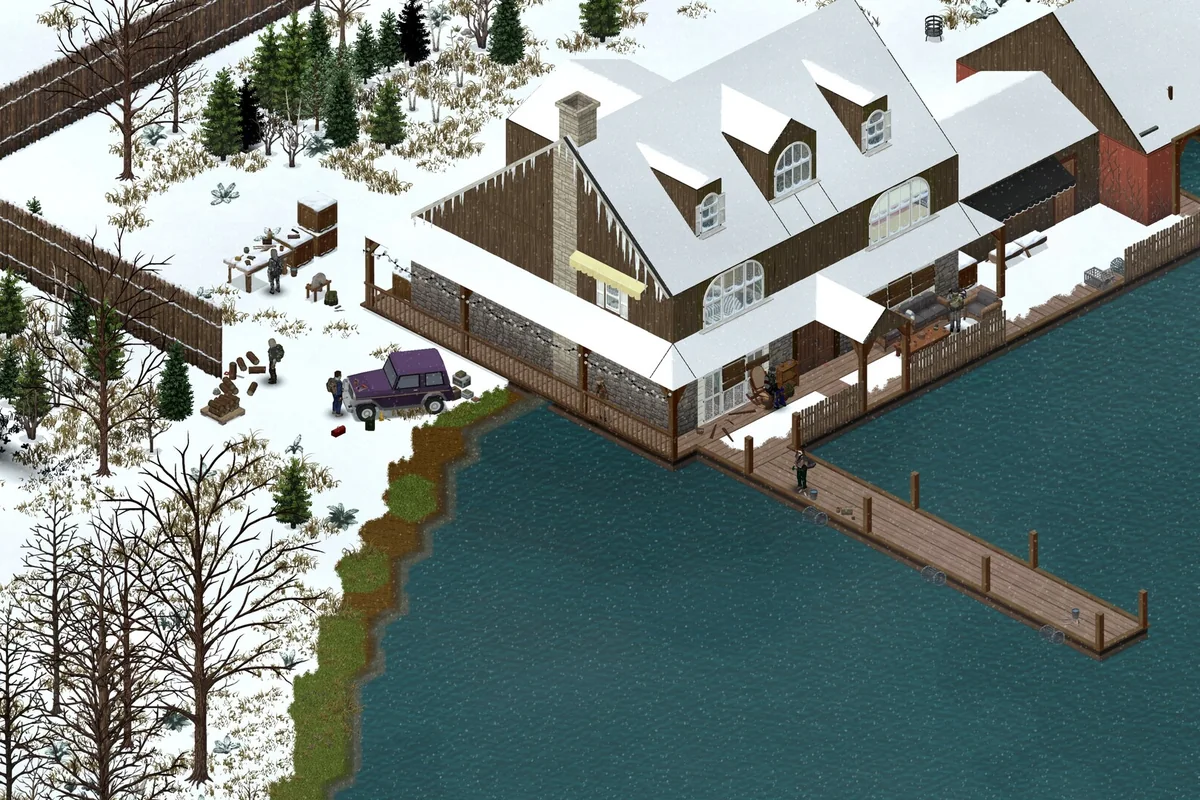
Steam Workshop mods install from the panel: add the mod IDs, restart, and they are in. The risk with a modded Zomboid server is not installing them, it is what happens when one updates.
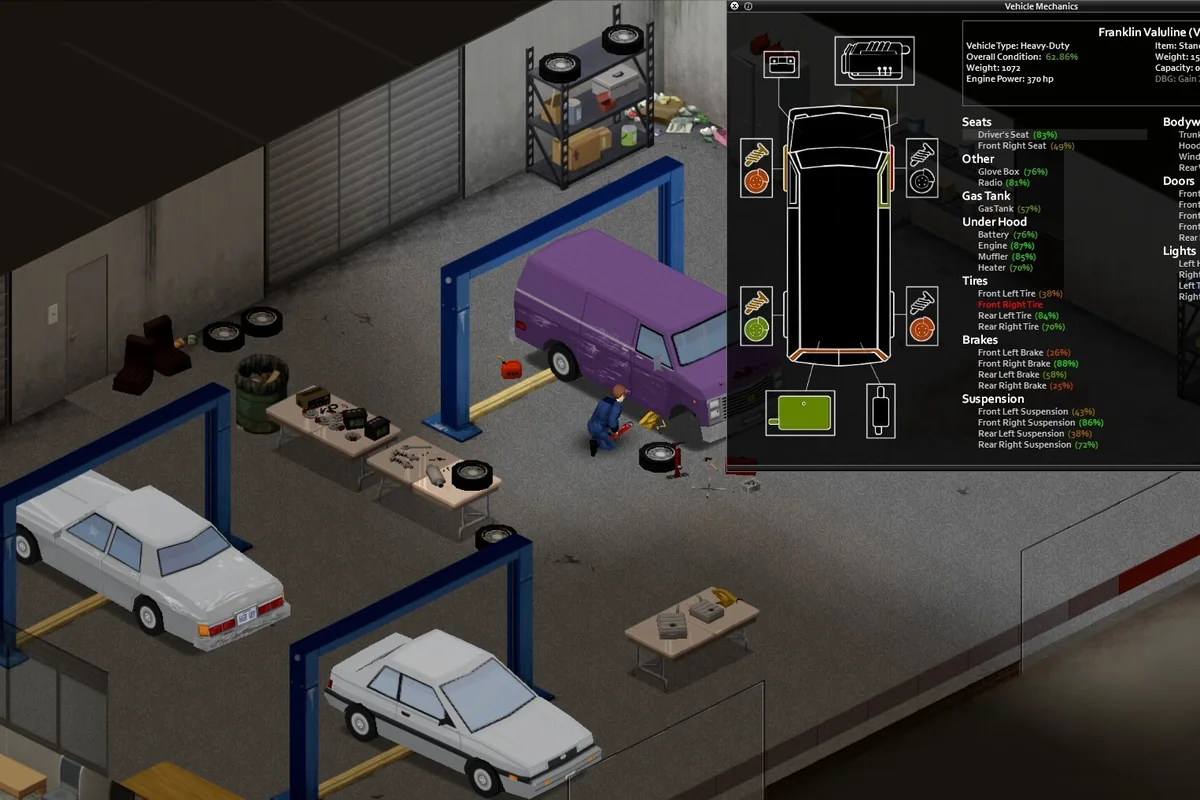
A mod that changes items or map cells can corrupt an existing save when it updates or is removed, and Zomboid saves represent months of play. Every plan takes automatic daily backups you can restore with one click, and the sane habit is to take one before adding or removing anything. Pinning to a build in the panel is also worth doing once your group has a save worth protecting.
Quick answers about mods, sandbox settings, and pricing.
Your server is deployed automatically and is ready in under 5 minutes after checkout. Log in to the panel, set your sandbox options, and start playing.
Yes. Add the Workshop and mod IDs in the panel and they install on the next restart. You also get full file and SFTP access if you would rather manage them by hand.
More than you would guess, because memory use grows with how much of the map your group has explored rather than with player count. Start at 6 GB for a small group and move up as the save ages.
Yes. Population, loot rarity, XP rates, day length and the rest are all editable from the panel and take effect on restart.
Every plan takes automatic daily backups, restorable with one click. Take a manual one before adding or removing mods.
Plans start at $15/month. Your first month is 50% off, applied automatically at checkout.