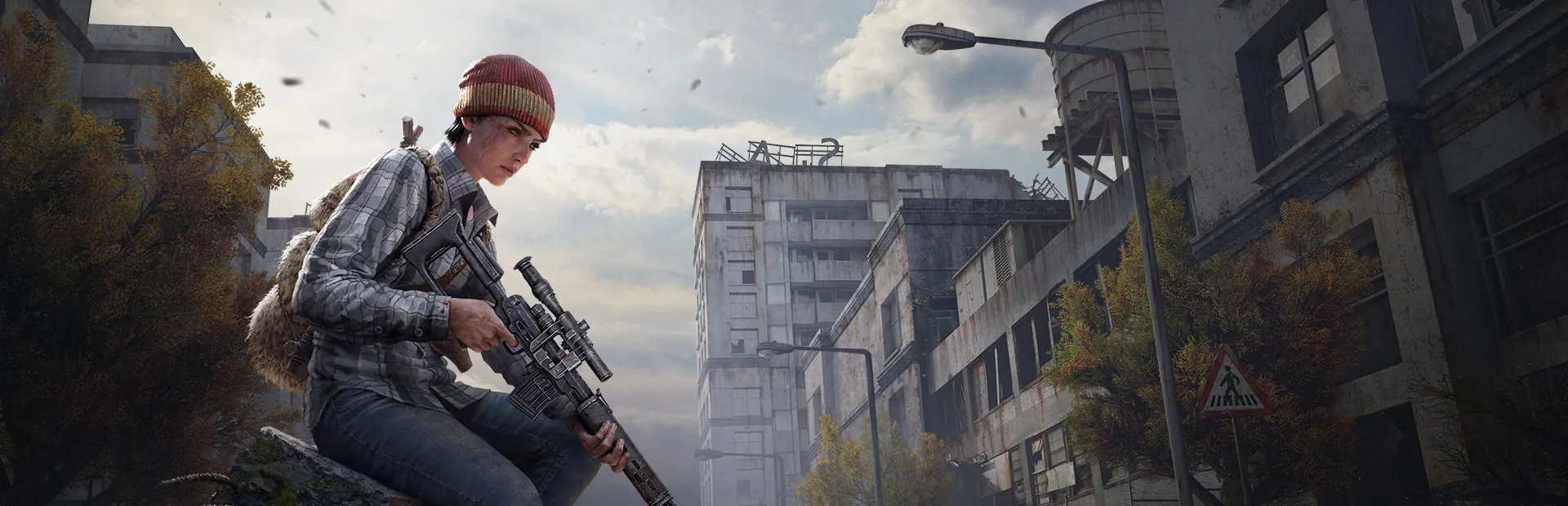
Search the Steam Workshop from the panel and install a mod in one click. Required mods are added for you, in the right load order.
Each mod's .bikey is copied into the keys folder automatically, so players are not kicked for signature mismatches.
types.xml, events, spawn points and the rest of the central economy files, all editable in the file manager.
The server and every installed mod check for updates on each start, so clients and server stay on the same version.
Automatic daily backups of your mission and player data. Wipes happen when you decide, not by accident.
Live console, file manager, SFTP and scheduled restarts, all in the same panel as the rest of your servers.
Setting up a modded DayZ server by hand means downloading each mod, copying it in with the right folder name, moving its key into place and keeping the launch parameters in the right order. The Workshop tab in our panel does all of it: search, click install, and the mod is added with its required dependencies ahead of it.
When a mod author pushes an update, players cannot join until the server has it too. The server checks every installed mod for updates each time it starts, so a scheduled restart is all it takes to stay in step with the Workshop.
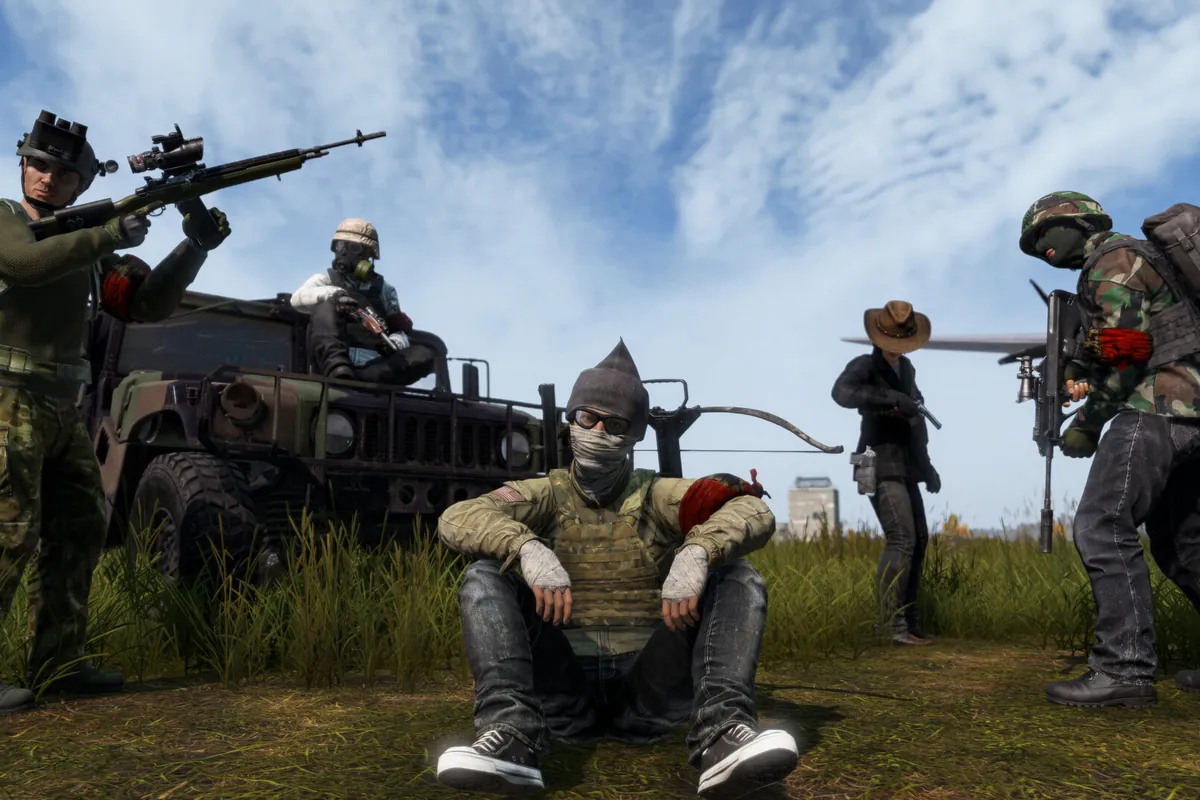
What makes one DayZ server feel different from the next is its central economy. types.xml decides how much of every item exists and where it spawns, events.xml controls vehicles, helicopter crashes and infected, and together they set how hard survival really is.
Every one of those files is editable in the file manager, and changes apply on restart. Persistence keeps bases, tents and stashes between restarts, and a wipe is simply clearing the storage folder, so your community decides when a fresh start happens.
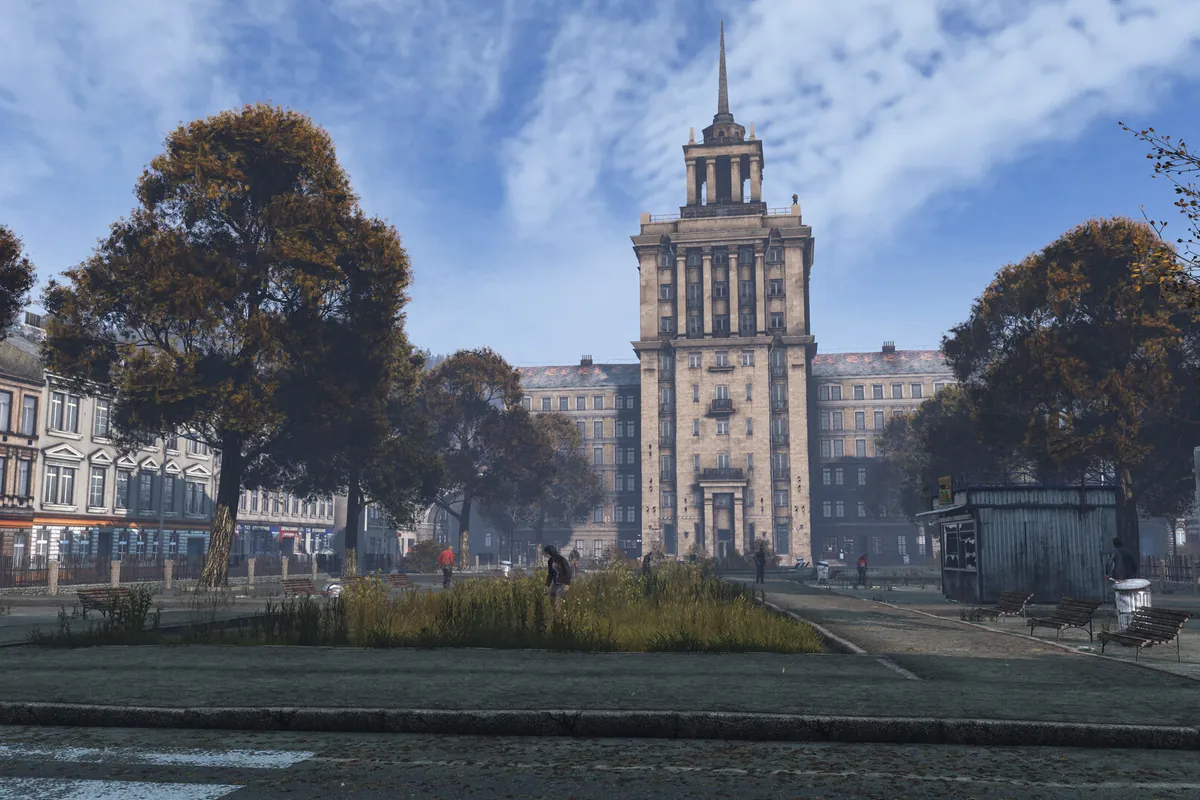
DayZ is one of the heavier survival servers to run. A vanilla server with a small community sits comfortably on Starter's 8 GB, and that headroom matters once loot counts climb and bases spread across the map.
Big content mods such as vehicle packs, weapon packs and Expansion add memory and CPU load quickly, and a busy modded server is what Pro and Elite are for. We do not charge per player slot, so pick the plan for the mod list you want to run.
Quick answers about mods, the economy, and pricing.
Your server is deployed automatically and is ready in under 10 minutes after checkout. DayZ is a large download, so the first install takes a little longer than most games.
Open the Workshop tab in the panel, search for the mod and click install. Required mods are added for you, and everything downloads on the next restart.
Yes. types.xml, events.xml and the rest of the central economy files are all editable in the file manager and apply on restart.
8 GB runs a vanilla community server well. Heavily modded servers, especially with big content mods, belong on 12 or 16 GB.
Every plan takes automatic daily backups of your mission and player data, restorable with one click.
Plans start at $20/month. Your first month is 50% off, applied automatically at checkout.