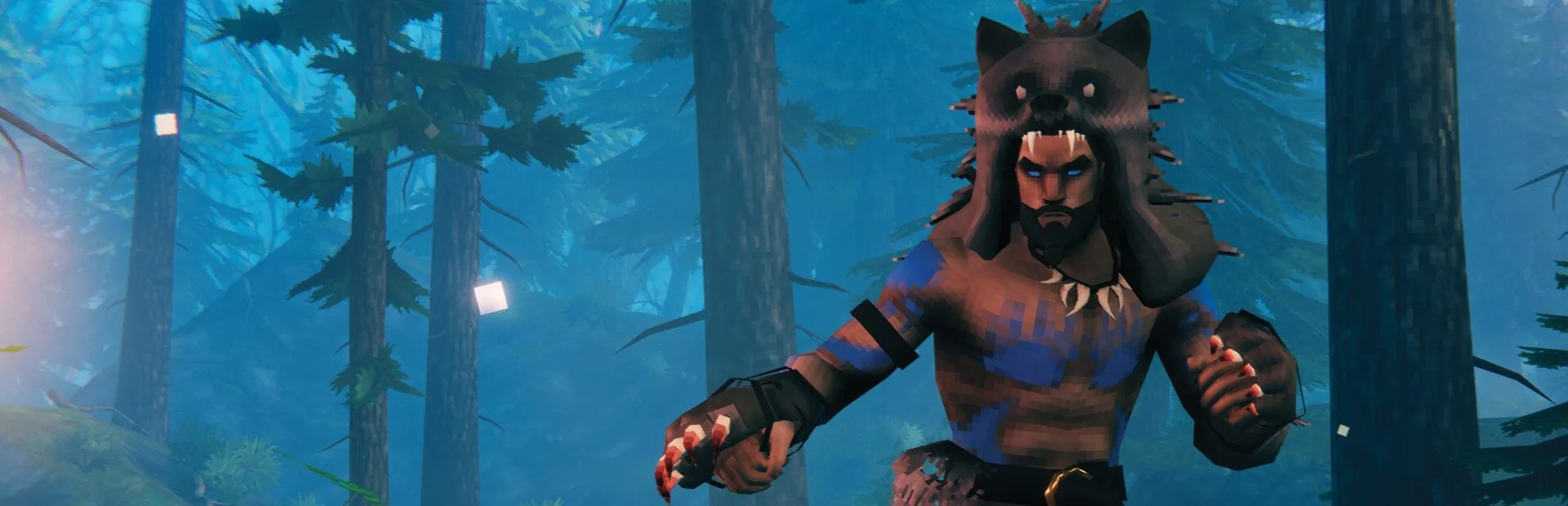
Crossplay is on out of the box, so Steam, Xbox and PC Game Pass players can all join the same world with the join code.
Upload the .db and .fwl files from a single-player or old server world and carry on exactly where your group left off.
The server checks for Valheim updates every time it starts, so nobody gets locked out by a version mismatch after a patch.
Set the server name, password and whether it shows in the public list, all from the Startup tab.
Automatic daily backups of your world. One bad boss fight or a griefed base does not have to be the end of it.
Live console, file manager, SFTP and scheduled restarts, all in the same panel as the rest of your servers.
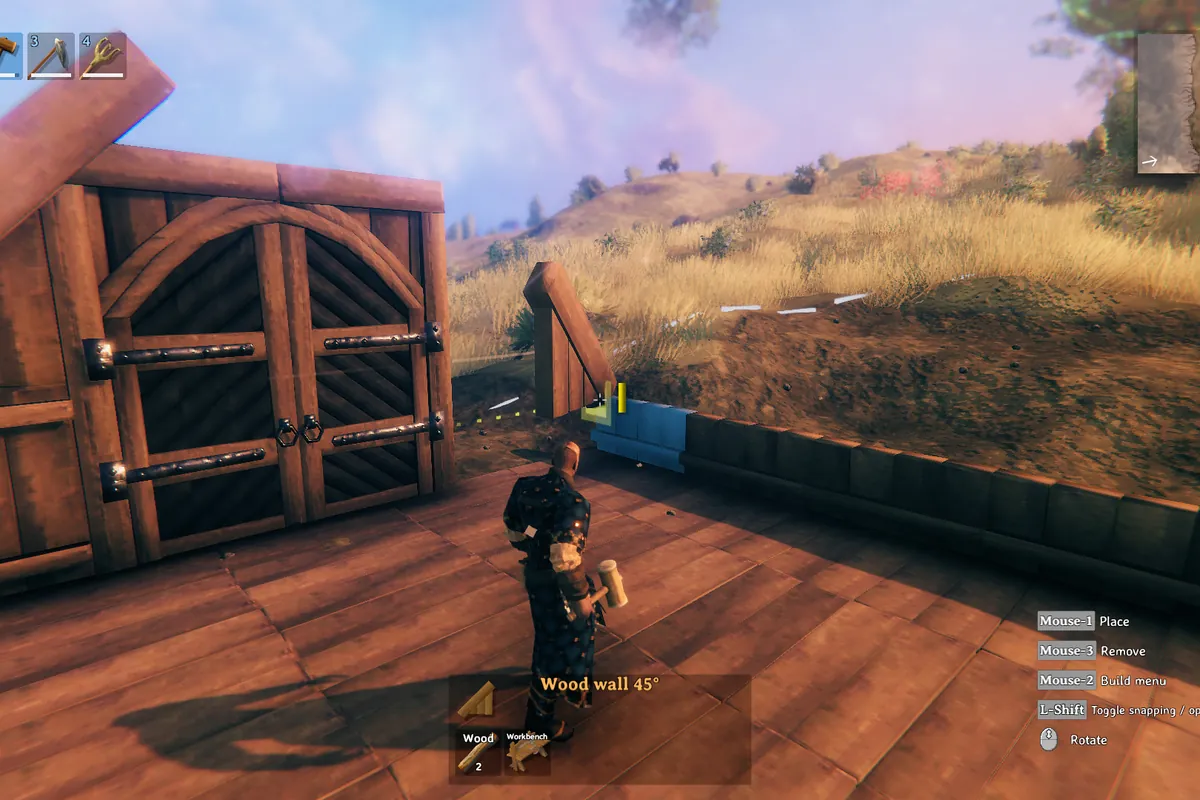
A fresh Valheim world with a few Vikings in the Meadows barely touches a server. What changes that is building. Every placed piece stays loaded and simulated around the players near it, so a sprawling longhouse village with hundreds of fires, workbenches and stacked walls costs far more than the same group camping in a hut.
Four players who have built a fortified settlement in every biome will push a server harder than ten players who keep moving. Starter at 4 GB is comfortable for a small group getting going, and Pro or Elite is where large bases, big explored worlds and long-running community servers belong.
Crossplay is switched on by default, which means players on Steam, Xbox and PC Game Pass can all join the same world. Crossplay servers are joined with a join code shown in the console when the server starts, rather than through the Steam server browser.
If your group is all on Steam, turn crossplay off in the Startup tab. The server then lists in the Steam server browser and can be joined by address like any other dedicated server. Either way the password you set in the panel is what keeps it private.

Valheim saves a world as two files, a .db and a .fwl. Upload both from your single-player worlds folder or an old server, set the world name in the panel to match, and your group picks up exactly where it was, maps, bases and bosses included.
The server saves the world when it stops and every plan takes automatic daily backups you can restore with one click. Take a manual one before a boss attempt, a big build or a game update, and nothing your group has spent weeks on is ever one mistake away from gone.
Quick answers about crossplay, worlds, and pricing.
Your server is deployed automatically and is ready in under 5 minutes after checkout. Log in to the panel, set a name and password, and start playing.
Yes. Crossplay is on by default, so Steam, Xbox and PC Game Pass players can join the same world using the join code shown in the console.
Yes. Upload the world's .db and .fwl files through the file manager or SFTP and set the world name in the panel to match.
There is no slot limit on our side. Vanilla Valheim itself allows 10 players per world, and server-side mods can raise that.
Every plan takes automatic daily backups, restorable with one click. The world is also saved every time the server stops.
Plans start at $10/month. Your first month is 50% off, applied automatically at checkout.