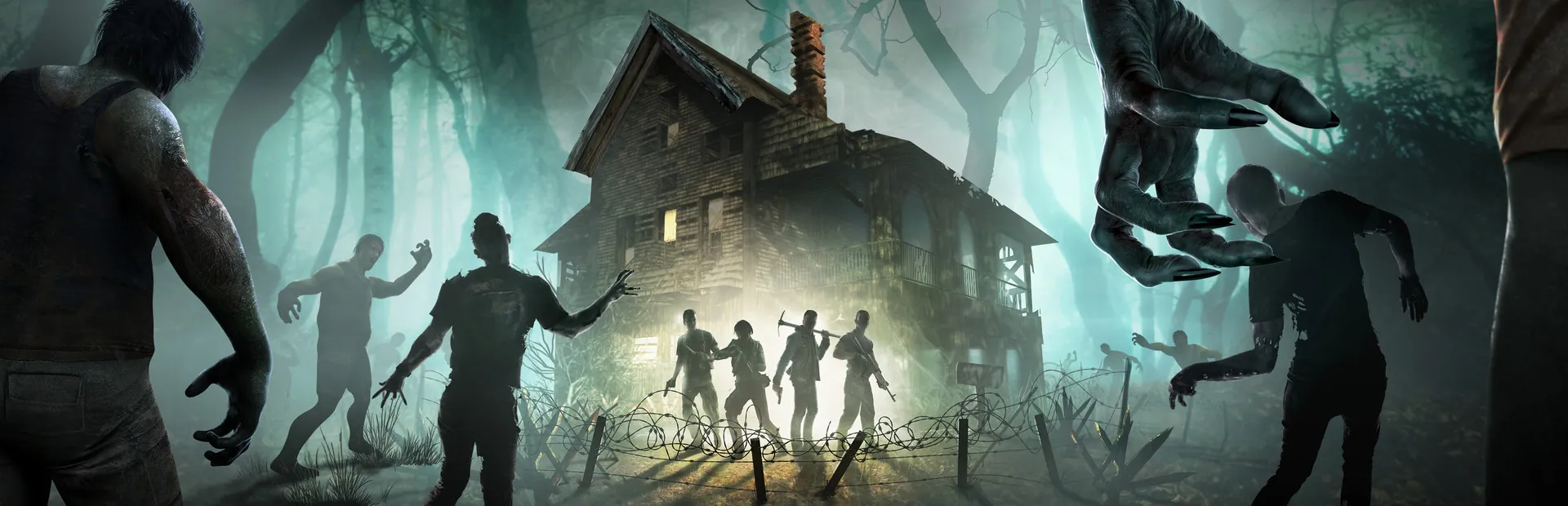
Drop mods into the Mods folder through the file manager or SFTP and they load on the next restart, overhauls included.
Play Navezgane or a Random Gen world, and pick the world size and seed that suit your group.
Blood moon frequency, horde size, zombie speed, loot and day length. Every serverconfig.xml option is yours to set.
The server updates itself on start, so your players are never locked out by a version mismatch after a patch.
Automatic daily backups of your world. A lost base on horde night does not have to be permanent.
Live console, file manager, SFTP and scheduled restarts, all in the same panel as the rest of your servers.
A 7 Days to Die server's memory use is driven mostly by the world it has to hold. A 6K Random Gen map with a small group is comfortable on Starter. An 8K world, or a group that spreads out across the whole map, is where Pro earns its keep.
Horde night is when a server works hardest, with every player drawing their own horde at once. Raising the blood moon zombie count or running a 10K map with an overhaul mod is exactly what Elite is for. We do not charge per player slot, so the only thing to size for is the world you want to run.
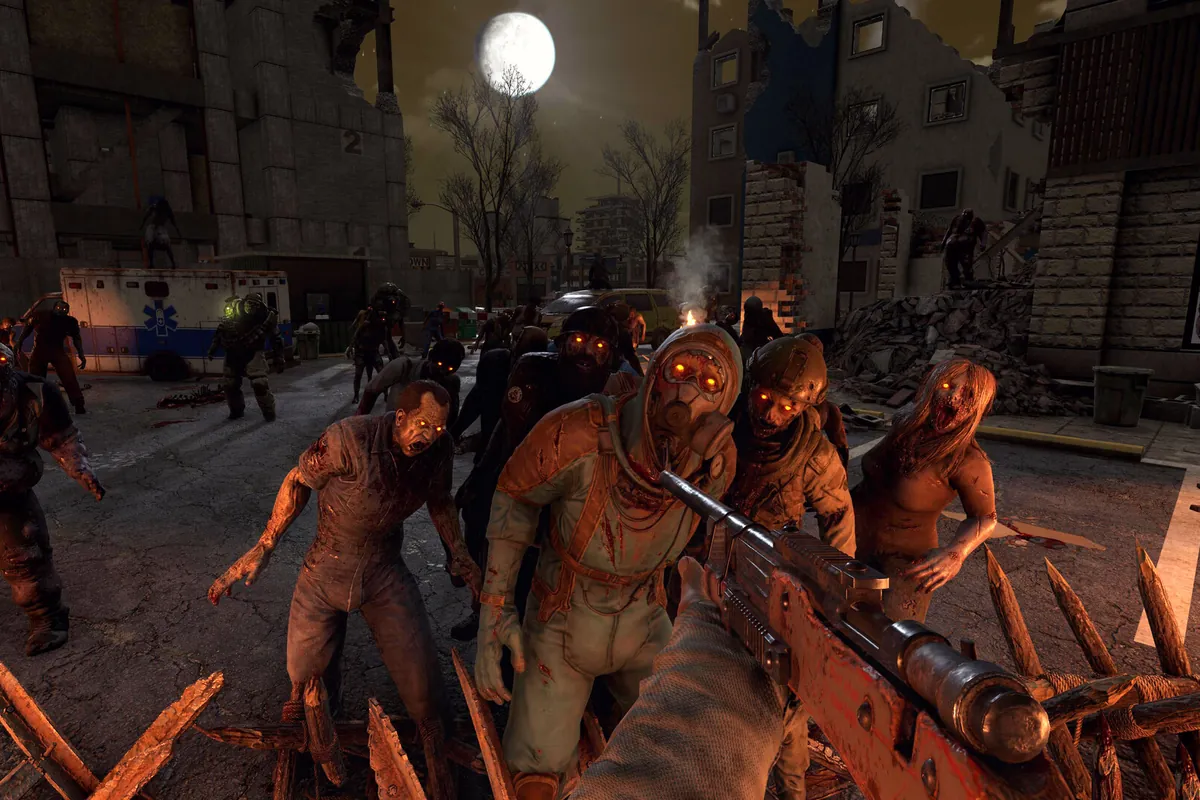
When you pick a Random Gen world, the server builds the whole map the first time it starts: terrain, towns, roads and every point of interest. Depending on the size that can take several minutes, and the console shows its progress while it works.
Once generated, the world is saved and later restarts are fast. Changing the seed or the world size in the panel generates a brand new map on the next start, while your old world stays on disk until you delete it, so you can always go back.
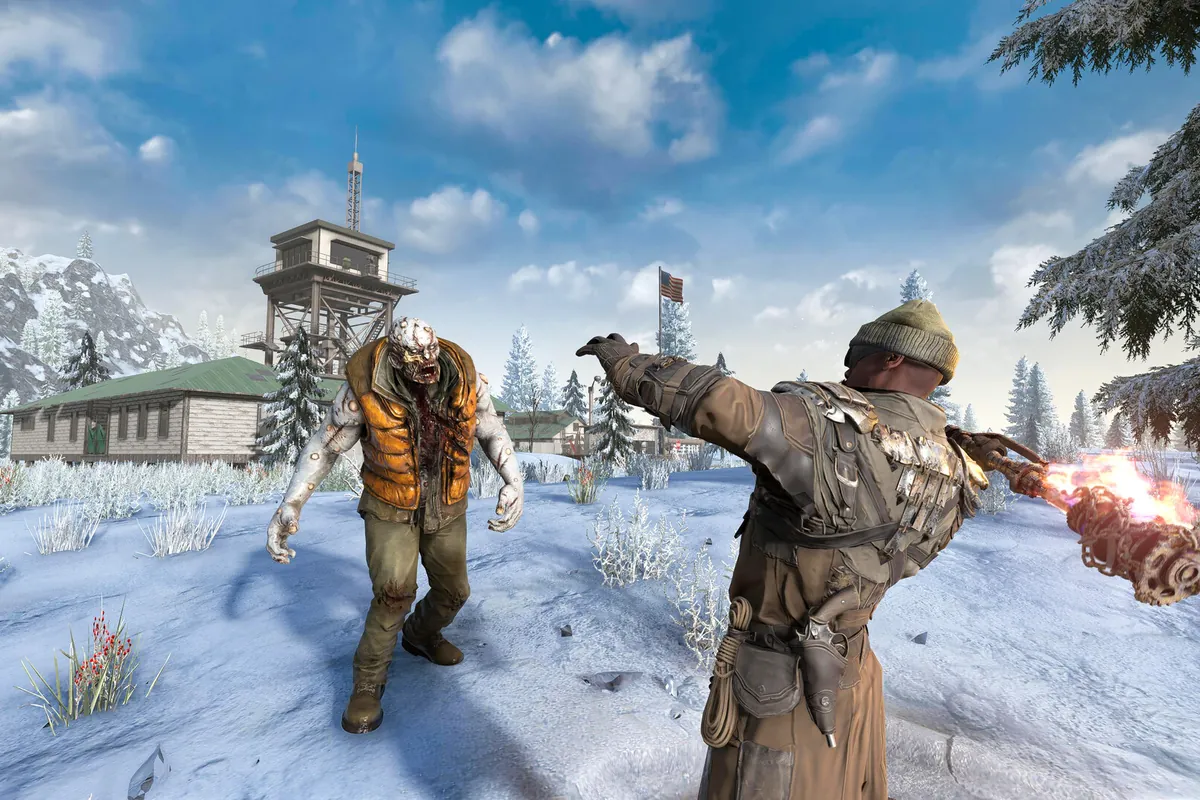
Mods go in the Mods folder in your server files. Server-side mods such as extra settings or quality-of-life tweaks work for everyone straight away, while overhauls that add new items and blocks need every player to install the same mod and EAC switched off in serverconfig.xml.
An overhaul changes the world in ways that are hard to undo, and a mod update can do the same. Every plan takes automatic daily backups you can restore with one click. Take a manual one before adding, removing or updating a mod.
Quick answers about mods, maps, and pricing.
Your server is deployed automatically and is ready in under 5 minutes after checkout. The first start of a new Random Gen world takes a few extra minutes while the map generates.
Yes. Upload them to the Mods folder with the file manager or SFTP. Overhaul mods need every player to install the same mod and EAC switched off in serverconfig.xml.
6K is a good start for small groups. Go 8K for bigger groups, and 10K with overhaul mods on Elite.
As many as you like. There is no slot limit, so set the player count you want in the Startup tab.
Every plan takes automatic daily backups, restorable with one click. Take a manual one before adding or updating mods.
Plans start at $15/month. Your first month is 50% off, applied automatically at checkout.